I have always liked Microsoft Fluent Emoji.
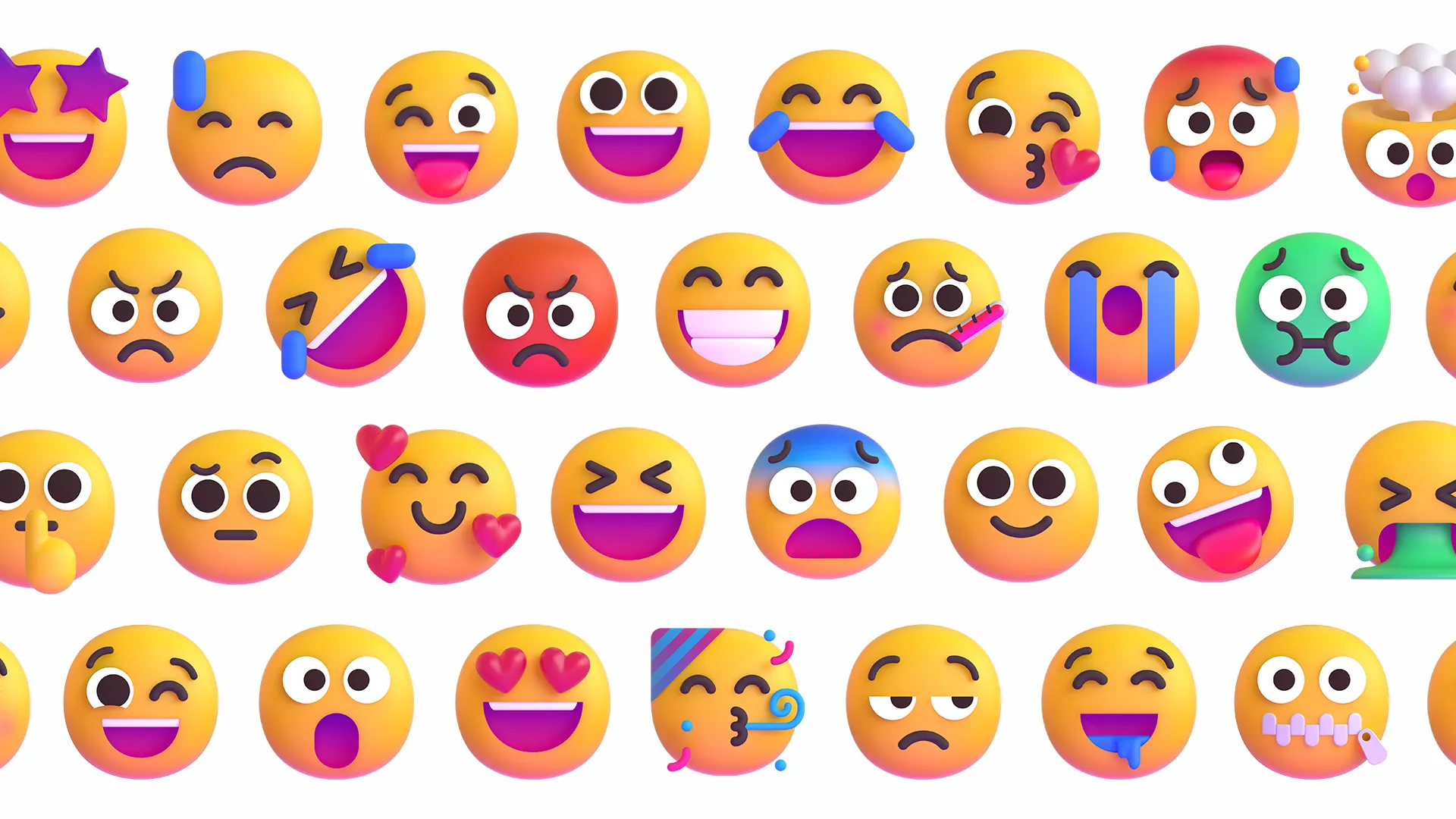
When Microsoft shipped a Windows 11 development preview with Fluent Emoji, I upgraded right away ✨.
That quickly made me want to show Fluent Emoji on the web, and rehype-fluent-emoji was born.
The small matter of copying
Thanks to Twemoji, an early open source emoji pioneer, there is already an ecosystem for replacing emoji on web pages with Twemoji.
Most of those solutions, though, replace emoji directly with images.
Replacing emoji with images makes copying feel strange. For example, selected text may no longer copy correctly, and the selected-state styling between text and images also has to be aligned.
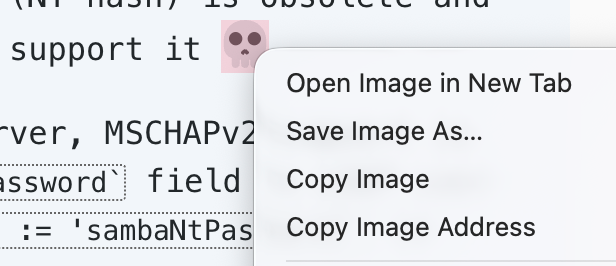
You can also listen for the copy event in JavaScript and dynamically rewrite the clipboard contents, but that feels so dirty.
I have always hated the behavior of copying a piece of text only to find a copyright notice stuffed into it. At its core, it is not that different from shady software hijacking your clipboard.
Because emoji are text. If someone copies a sentence from my article and pastes it somewhere else, they should get the same sentence, not one with the emoji missing.
The better solution turned out to be separating the text layer from the visual layer:
- The text layer keeps the Unicode emoji for selection and copying.
- The visual layer displays Fluent Emoji.
- During selection, shared CSS keeps the Unicode glyph transparent without taking over the page’s own selection background.
Where the images come from
Once the layout problem was solved, the next question was where the Fluent Emoji images should come from.
Microsoft is genuinely generous in providing Fluent Emoji, but the repository structure is not very convenient to use directly.
The open source community also has fluent-emoji-webfont, but because there are still compatibility issues, I did not prioritize it.
After looking through LobeHub, emoji-regex-xs, and unicode-emoji-json, I finally found fluentui-emoji-unicode.
It matched what I wanted almost perfectly: it converts the images in the Fluent Emoji repository into filenames based on Unicode character codes.
There was one problem, though. Because that repository mostly only renames files, many of them are still SVGs, and Safari handles Fluent Emoji SVGs with filters especially poorly. The rendered result was not as good as I hoped.
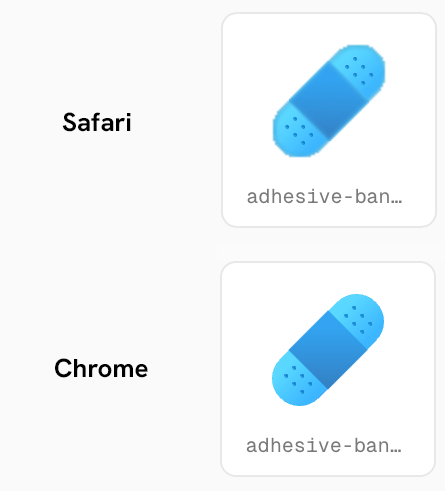
So I forked it and added format conversion, unifying the images as WebP.
What it does, and what it does not do
In the unified ecosystem, remark and rehype have clear responsibilities, so building this as a rehype plugin is the more semantic fit.
Downloading images into the local public directory is also a real need, because I do not want to depend on a CDN.
But that goes beyond rehype’s job, so I made it a separate command.
rehype-fluent-emoji sync content --out public/emoji --style 3dRun the explicit sync command, and it downloads the emoji assets used in your articles into the directory you choose.
Then rendering only needs this plugin configuration:
{ assetBase: '/emoji'}In other words, the plugin is only responsible for generating URLs. Where the images live, when they are synced, and whether they are served from a CDN are all left to the user.
This also gives you some freedom. You can deploy my fluentui-emoji-unicode fork to your own server, or fork it to GitLab or Gitee.
Of course, you can also skip pulling assets locally and reference them directly through https://raw.githubusercontent.com or https://cdn.jsdelivr.net.
Give it a try
You are welcome to read the source on GitHub, or install this rehype plugin from npmx.dev.
pnpm add -D rehype-fluent-emojiIn Astro, the configuration looks roughly like this:
import rehypeFluentEmoji from 'rehype-fluent-emoji'
export default {  markdown: {    rehypePlugins: [      [        rehypeFluentEmoji,        {          assetBase: '/emoji',          style: '3d',        },      ],    ],  },}
How this site uses it
This site now syncs the emoji images used in articles to local files first:
{ "emoji:sync": "rehype-fluent-emoji sync content --out public/emoji --style 3d"}Then MDX uses rehype-fluent-emoji to render emoji inside posts.
You can check the Fluent Emoji render test to see how it behaves in paragraphs, lists, links, and code blocks.
Goodbye 👋
The plugin itself is not complicated, but I really enjoyed the process of refining the details bit by bit. I am very happy with the final result.
I also like this solution: visually fun, without breaking default behavior.
I hope I can make more interesting things like this~